

Introduction
C Programming is a basic programming language, and learning it can feel like stepping into a new world. The language C Programming is fast and powerful but is also a little bit tricky for beginners because of the learning process, where students can confuse what to learn first. One small mistake, like a missing semicolon or a misused pointer, can stop the program from running and show the list of errors. Many of the students struggle not because C is difficult, but because they are unaware of the simple errors.
The good thing is that most mistakes are avoidable. By recognizing them early and knowing how to prevent them, students can make their coding journey smoother and faster.
In this, we’ll let u know the top 10 mistakes students make while learning C Programming and give practical tips to avoid them.
1. Syntax Errors and Missing Semicolons
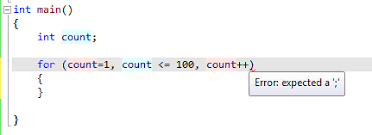
One of the main reasons why students can make it openly is that the compiler will give a list of errors. Seeing these errors, students are confused and don’t want to learn the programming language.
Advice: Always double-check with your lines before compiling. Treat each semicolon as a period in English—it marks the end of a statement. Using an IDE (Integrated Development Environment) with syntax highlighting can save a lot of headaches.
2. Curly Braces Errors
To define blocks of code, C uses curly braces {}. Extra braces or missing them can break loops, functions, and conditionals in subtle ways, and the compiler gives errors.
Advice: Count your opening and closing braces carefully. Indent your code properly—it helps spot mismatched braces easily, especially in nested structures.
3. Keywords and Variable Names (Typos)
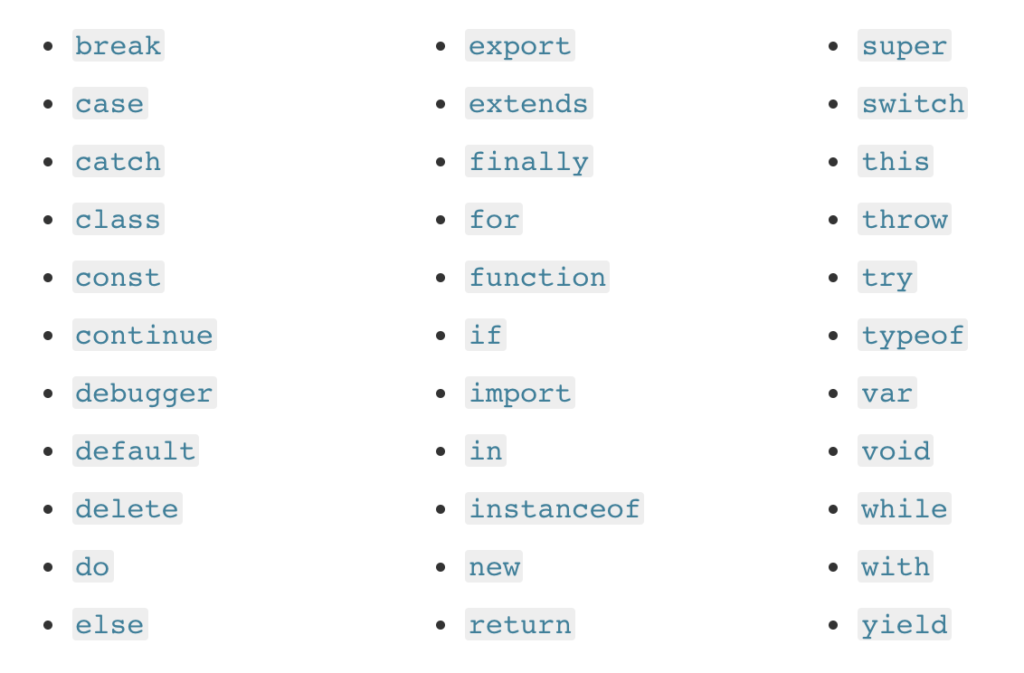
C Programming is case-sensitive. Instead of writing int as Int or giving the wrong names for variables, which leads to compilation errors.
Advice: Give attention to spelling and capitalization. Use an IDE (Integrated Development Environment) with autocomplete and error highlighting to reduce misnaming (Typos) and save time.
4. Initialization of Variables and Pointers
Using Pointers or variables without initializing them can give wrong results or crashes.
Advice: Always assign an initial value when declaring variables, especially pointers. example:
int y = 9;
char *ptr = NULL;
5. Errors in Loops and Arrays
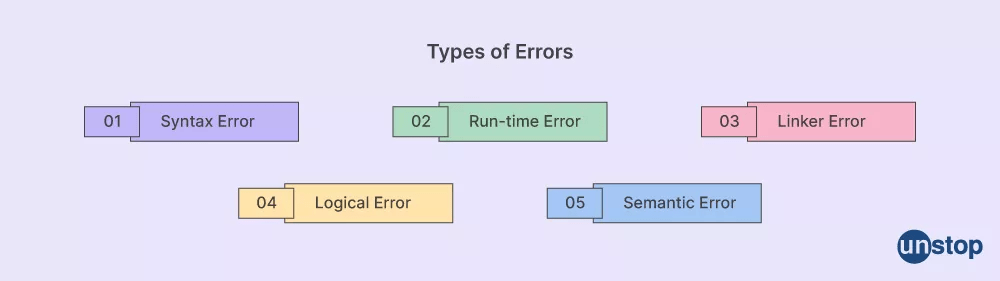
Most of the time, first-time C programming students will forget to implement loops to one too many iterations and use index zero to access an array. This could affect how much memory they are supposed to be able to access.
Advice: You should try to remember that an array of n, has valid index numbers of 0 – (n-1). You can draw on a piece of paper to visualize how to access an array by using one of the previously mentioned methods.

6. Confusing Assignment (=) vs. Equality Comparison (==)
It can be difficult to know when you accidentally write if (x = 5) instead of if (x == 5). The first example assigns a value to variable ‘x’, whereas the second is comparing the value ‘5’ against the value held in ‘x’. This could potentially create bugs that are hard to find later.
Advice: Always review your conditions before completing your script. A good way of remembering this is to put constants on the left-hand side of your expression: if (5 == x), where if you make a mistake by using a single = sign the compiler will let you know.
7. Memory Leaks from Not Freeing Allocated Memory
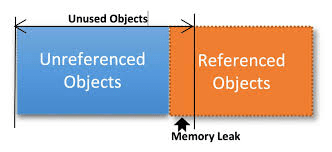
When you use dynamic memory (which means memory that is allocated dynamically, not automatically), and you forget to free it, not only do you waste memory, but it could also cause your application to crash.
Advice: For all uses of malloc or calloc, remember to pair an appropriate use of free(). This will help avoid memory leaks and is essential when writing a reliable application.

8. Forgetting Null Terminators in Strings
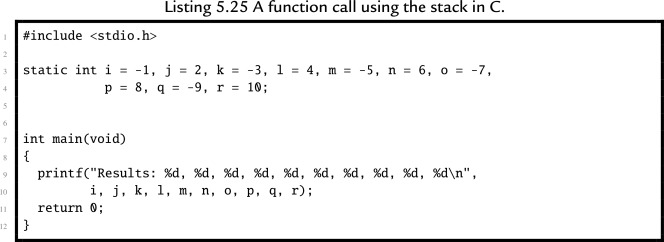
A C-string is an array of characters and ends with a null terminator character ‘\0’. If you forget the NUL terminator, you will receive garbage output and/or undefined behavior.
Recommendation: You need to manually insert the ‘\0’ when creating a string. If you are using string literals, the compiler will generate a NUL character for you.
9. Passing Incorrect Arguments to Functions
The C function argument type and order are strictly enforced. Providing the incorrect argument type and/or quantity can lead to runtime or compilation errors.
Advice: Verify the function prototype. Ensure your argument types and order match those in the function prototype. Create small test programs for each function to prevent problems in larger code.
10. Poor Code Formatting and Readability
When an application’s source code has poor formatting and indentation, it can become nearly impossible to debug and understand after a long period of absence.
Advice: A well-formatted source code should follow a set of formatting standards, including indentation and variable naming conventions. Properly commenting code will also assist in making the code cleaner and easier to read and debug. Well-designed, formatted application source code will also create an easier maintenance environment for development team members.
Build Confidence in C Program
- Practice Consistently: Consistent practice writing code helps quickly identify patterns and common coding errors.
- Debug Actively: Read the compiler error message and understand it. It will improve your ability to troubleshoot trouble spots.
- Break Problems Down: Start coding small code samples and build to full programs so that you can find potential issues before you create a full application.
- Learn from Others: Look at your peers’ code to learn how they solved their problems and avoid common errors.
- Ask for Help: Ask for assistance from forums, mentors, or teachers to help you understand coding concepts that are difficult for you.
- Celebrate Small Wins: Take time to appreciate each success — fixing an error, getting a portion of code to run — is a success. Thank yourself for your efforts!

Conclusion
Learning C Programming is challenging, but each mistake is an opportunity to improve the language. avoiding the common errors which are listed above and following the advice, where beginners can improve their learning, write cleaner code, and build confidence in C programming. C Programming is the foundation for many other languages and makes a strong foundation for learning other languages. It may be JAVA, Python, or any other, so mastering it properly will give many opportunities.
References
- Kernighan, B. W., & Ritchie, D. M. (1988). The C programming language (2nd ed.). Prentice Hall.
- King, K. N. (2008). C programming: A modern approach (2nd ed.). W. W. Norton & Company.
- Kanetkar, Y. (2017). Let us C (16th ed.). BPB Publications.
- GeeksforGeeks. (n.d.). Common mistakes in C programming. Retrieved March 23, 2026, from https://www.geeksforgeeks.org/
- TutorialsPoint. (n.d.). C programming tutorial. Retrieved March 23, 2026, from https://www.tutorialspoint.com/
- Programiz. (n.d.). C programming guide. Retrieved March 23, 2026, from https://www.programiz.com/
- W3Schools. (n.d.). C tutorial. Retrieved March 23, 2026, from https://www.w3schools.com/
- GNU Project. (n.d.). The GNU C reference manual. Retrieved March 23, 2026, from https://www.gnu.org/
- Stack Overflow. (n.d.). Common C programming errors discussions. Retrieved March 23, 2026, from https://stackoverflow.com/